Client Intake and Document Collection for Tax Firms: A Remote Workflow
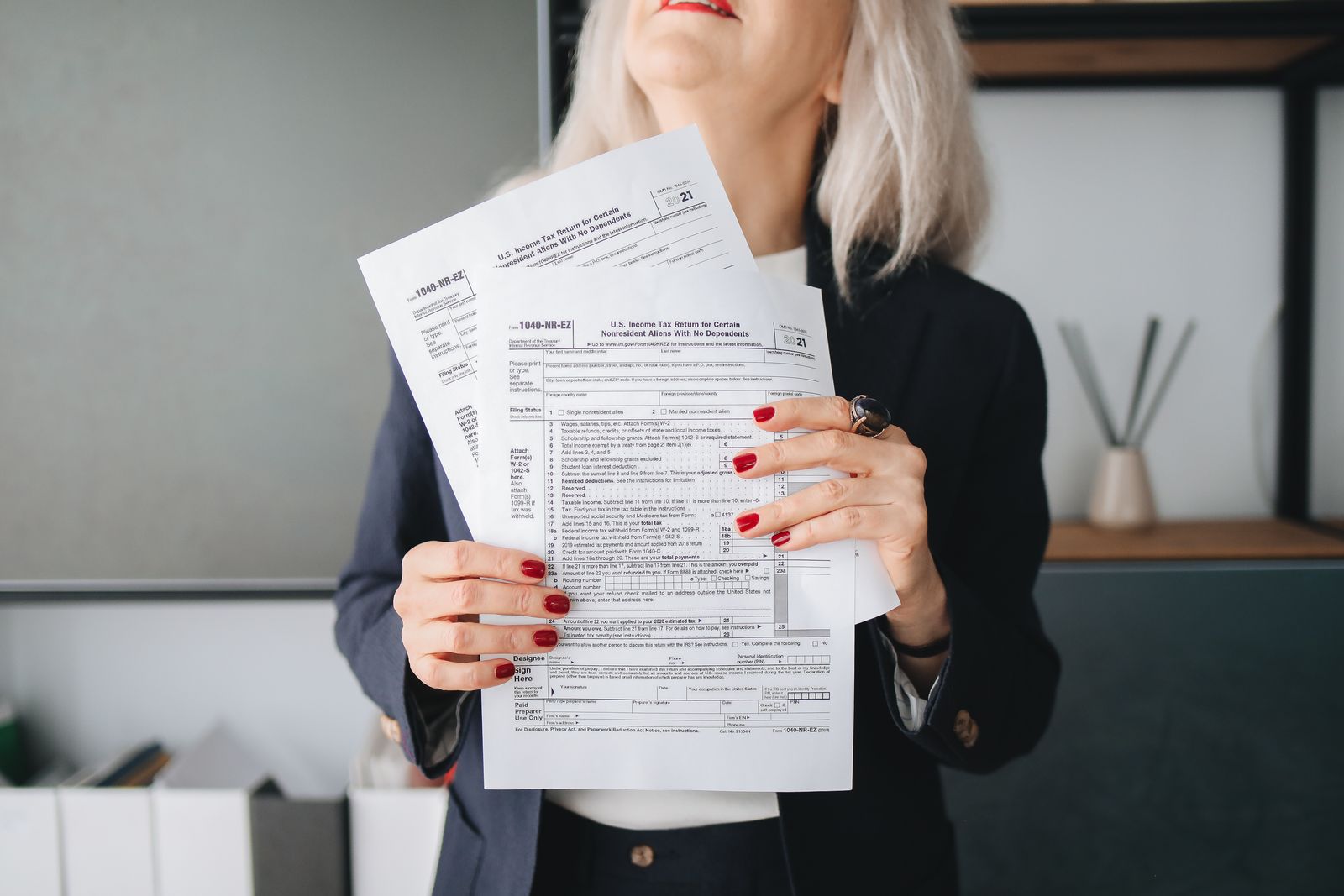
A tax firm can organize client intake and document collection with remote staff by splitting it into stages with a clear trigger, owner and handoff for each: engagement packet, expected-documents list from last year's return, portal requests, timed reminders, a daily missing-items list, and a "documents complete" handoff to the preparer.
What does a tax client intake process include?
A tax client intake process includes everything between a client saying yes and the return being ready to prepare: the engagement letter, required consents, the organizer, a list of expected documents, portal setup, document follow-up, and a final completeness check. Remote staff can run every one of those steps, with the preparer stepping in only for tax questions.
The stages work best as statuses in your practice management or workflow tool, so anyone in the firm can see where each client stands without asking. One status per stage, and one person who moves the file forward.
| Stage | Trigger | Remote staff action | Handoff |
|---|---|---|---|
| 1. Engagement | Client confirmed for the season | Send engagement letter, consents and payment link by e-signature | Partner approves the template once |
| 2. Organizer | Engagement signed | Send organizer and portal invite; build expected-documents list from last year's return | None |
| 3. Collection | Organizer sent | File uploads daily; tick each document received | None |
| 4. Follow-up | Any expected document still missing | Send reminders on the cadence; call after the second reminder | Owner if the client goes silent |
| 5. Completeness check | Every item received or waived | Check names, years and pages; compare with expected list | Preparer |
| 6. Ready to prepare | Check passed | Move status, note anything unusual | Preparer takes the file |
| 7. Questions back | Preparer needs more | Request the item, restart follow-up | Back to stage 4 |
How do you build the expected-documents list?
Build the expected-documents list for each returning client from last year's return: every W-2 employer, every 1099 payer, each brokerage and mortgage statement, K-1s, and the receipts behind each deduction claimed. Remote staff can create the list from the prior-year file before the season starts, so the client gets a specific request instead of a generic organizer.
A client can act on "Please upload your 1099-B from your brokerage account and your Form 1098 from your mortgage servicer" in two minutes. "Please send all your tax documents" tends to sit in the inbox.
Keep the list in practice management as a checklist on the client record, with one line per document. The assistant ticks each line when the file arrives, and anything unticked feeds the daily missing-items report. New clients get the organizer first, and the assistant builds their list from the answers.
How should remote staff follow up on missing documents?
Remote staff should follow up on missing documents on a fixed cadence: a portal request, a reminder a few days later, a second reminder about a week after that, then a phone call. Each message names the exact document missing. The sequence stops the day the document arrives, and the owner hears about clients who go silent.
Message templates make the cadence consistent. A few that cover most of the season:
- Request: "Hi Ana, to start your 2026 return we still need your Form 1099-INT from your bank. You can upload it here: [portal link]."
- Reminder: "Hi Ana, a quick note that your 1099-INT is the last item before we can start your return."
- Call script: confirm the client received the request, ask whether the document exists this year, and log the answer.
- Waiver: "You mentioned you closed that account. We've noted the 1099-INT is not expected this year." (The preparer confirms waivers that affect the return.)
The assistant should never tell a client a document is unnecessary for tax reasons. That is a judgment call for the preparer, and the line between clerical work and preparer work is covered in which tax firm tasks a non-CPA assistant can handle.
Which client questions can remote intake staff answer?
Remote intake staff can answer questions about status, what is still missing, how to use the portal, appointment times and invoices. Questions about tax treatment, deductions, filing status or what a client should do go to the CPA, EA or preparer. Staff take a full message, log it on the client record, and tell the client when to expect an answer.
A short routing list keeps this simple. Status, missing items, portal help and billing: assistant answers. "Should I," "can I deduct," "do I need to file": assistant routes. Anything about an IRS letter: assistant scans the letter and routes it to the CPA or EA, since only credentialed staff represent clients. That routing list also protects the PTIN line: staff who only gather documents and enter data, without giving tax advice, are not considered preparers.
What security rules apply to remote document collection?
Remote document collection falls under the firm's Written Information Security Plan, which federal law requires tax and accounting professionals to keep, and under the FTC Safeguards Rule, which covers tax preparation firms. If remote staff are outside the U.S., Section 7216 consent with the offshore language must be signed before they see return information.
For intake, the practical rules are short. Documents arrive and move only through the portal or the firm's file system. Each staff member signs in with a named account and multifactor sign-in. Clients who email documents get a friendly reply with the portal link, and the email copy is deleted once the file is moved. The 7216 consent goes in the engagement packet at stage 1, so it comes back before stage 3. Our guide to Section 7216 consent and the WISP has the full setup.
When should a tax firm start intake for the 2027 season?
A tax firm should start intake for returning clients in December and finish the expected-documents lists before the IRS opens the season. As of October 19, 2026, the IRS has not announced the 2027 opening date; it normally does so in January. The 2026 season opened January 26, 2026, which is a reasonable planning reference.
Work backward from that. Lists built in December, engagement packets out in the first week of January, organizers out right after signatures, and reminders running as W-2s and 1099s arrive. The tax season staffing plan shows when to hire so the person running intake is trained by then, and setting up a virtual assistant before January covers the tools.
Remote staff on Latin American time zones fit this schedule. Colombia, Peru and Ecuador are on UTC-5 all year, the same as U.S. Eastern in winter, when intake is heaviest. If you want this workflow running by January, hire a remote intake assistant for your tax firm this fall.
How Remote Latinos can help
Portal reminders only work if someone owns the follow-up. Remote Latinos screens Latin American intake coordinators against the workflow stages you plan to hand over, after a 30-minute call about your portal and the hours clients usually call. A smaller practice can start with a part-time role of 15 to 25 hours a week, and you pick the person after your own interviews. Start with the financial assistant role, then bring on someone to run your intake and follow-up.
This article is general information, not legal or tax advice. Confirm the rules for your situation with a qualified advisor.
Frequently asked questions
What should a tax client intake checklist include?
A tax client intake checklist should include the signed engagement letter, any required consents, the organizer or questionnaire, a list of expected documents built from last year's return, identity confirmation for new clients, and payment details. The checklist is complete only when every expected document is received or the client confirms it no longer applies.
How often should a tax firm remind clients about missing documents?
A workable cadence is a first reminder a few days after the request, a second a week later, and a phone call after that. Spread reminders out so they do not read as spam, and stop the sequence the day the document arrives. Adjust the timing as the filing deadline gets closer.
Should clients email their tax documents?
Firms are better off routing every document through a secure client portal. Email attachments end up in several inboxes, are hard to track, and are difficult to remove when staff leave. When a client emails a document anyway, staff should move it to the portal or file system and delete the email copy under the firm's security plan.
Can remote staff collect documents from clients outside office hours?
The portal collects uploads at any hour. Remote staff in Latin America can work your U.S. business hours, so they file overnight uploads first thing in the morning and answer client calls during the same hours the office is open.
Sources
- IRS: Frequently asked questions, Do I need a PTIN?
- IRS: Annual Filing Season Program
- IRS news release IR-2026-02: first day of the 2026 filing season
- IRS Newsroom
- IRS news release IR-2026-92: Written Information Security Plan
- FTC: FTC Safeguards Rule, What Your Business Needs to Know
- Rev. Proc. 2013-14, Internal Revenue Bulletin 2013-3
- IANA Time Zone Database: South America
- IANA Time Zone Database: North America