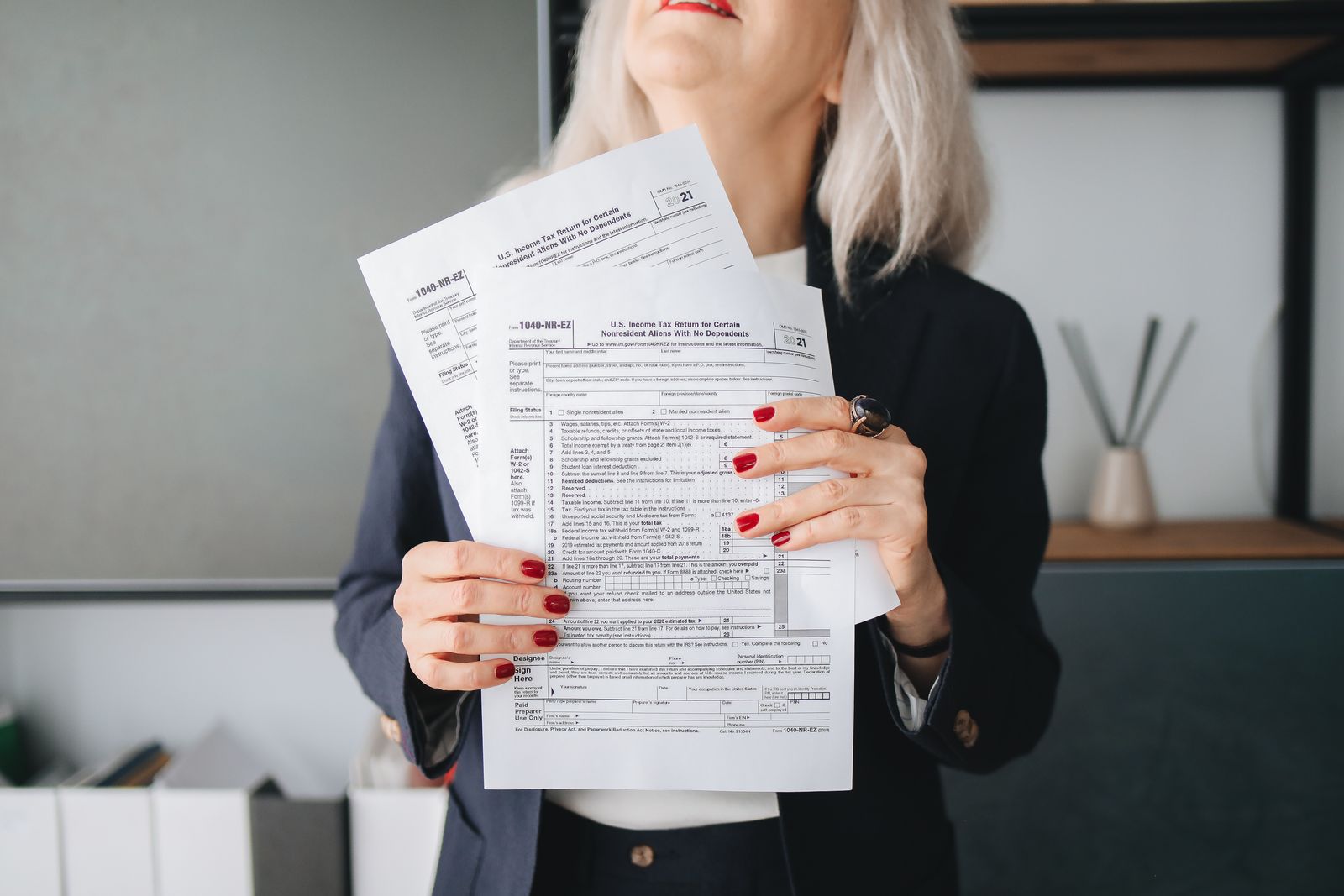
Virtual Assistant for CPA Firms: Tasks, Tools and Setup Before January

During tax season, a virtual assistant for a CPA firm sends organizers and engagement letters, chases missing documents in the client portal, keys source documents into tax software, books review meetings, answers status calls, and tracks e-file acceptances and extensions. CPAs and preparers keep tax decisions, review and signing, so their hours go to billable work.
What can a virtual assistant do for a CPA firm during tax season?
A virtual assistant for a CPA firm can handle the clerical and coordination work during tax season: organizers, engagement letters, document requests, scanning and naming, data entry from W-2s and 1099s, appointment scheduling, client status calls, invoicing, and e-file and extension tracking. The CPA keeps preparation decisions, tax advice, review, signing and IRS representation.
A typical day for a CPA firm virtual assistant in February looks something like this:
- First hour: check overnight portal uploads, file them into client folders with the firm's naming rule, and mark documents received in practice management.
- Midmorning: work the missing-items list, sending reminders to clients whose files are stuck.
- Late morning to afternoon: key source documents for returns marked "documents complete," and leave notes for the preparer on anything unclear.
- Through the day: answer status calls and emails from templates, and book review meetings on the CPA's calendar.
- End of day: check e-file acknowledgments, flag rejections for the preparer, and send the partner a short status count.
The PTIN line sets the edges of the job. An assistant paid to prepare a federal return, or substantially all of it, needs a PTIN; one who sticks to data entry and document gathering and gives no tax advice is not a preparer in the IRS's eyes. Our task-by-owner breakdown for non-CPA assistants covers the rest of the list.
Which tools should a CPA firm virtual assistant know?
A CPA firm virtual assistant should know four kinds of software: the firm's tax preparation software (such as Drake, Lacerte, UltraTax CS or ProConnect), a practice management or workflow tool (such as Karbon, TaxDome or Canopy), the client portal and e-signature, and the bookkeeping platform clients use, often QuickBooks Online.
| Tool category | What the assistant does there | Access level to grant |
|---|---|---|
| Tax preparation software | Enters source documents, attaches scans, checks e-file status | Data entry; no rights to sign, transmit or change firm settings |
| Practice management or workflow | Moves jobs between stages, logs client contact, assigns review | Staff role, all active clients the assistant works |
| Client portal | Sends invites and requests, files uploads | Staff role, no admin rights |
| E-signature | Sends engagement letters and authorization forms | Sender role, templates approved by a partner |
| Bookkeeping platform | Pulls reports for tax prep, matches transactions for write-up clients | Accountant user per client, read only unless write-up |
| Phone and email | Answers status questions with templates | Shared inbox and a named extension |
| Password manager | Holds every credential the assistant uses | Personal vault plus shared folders for the firm |
Experience in your exact tax software is a plus. What matters more is a habit of following a checklist and leaving notes instead of guessing.
What should a CPA firm set up before the virtual assistant starts?
A CPA firm should set up named logins with multifactor sign-in, a section for remote staff in its Written Information Security Plan, a signed confidentiality agreement, written procedures for each delegated task, and Section 7216 consent with the offshore language if the assistant works outside the United States. Finish this by December so January goes to real work.
The WISP is a federal requirement for tax and accounting professionals; IRS Publication 5708 is the template to write one from, and Publication 4557 lists recommended safeguards. Your firm also falls under the FTC Safeguards Rule, whose written program has to include technical, physical and administrative safeguards.
The procedures matter as much as the security. Write one page per task: what triggers it, the steps, the template messages, where the output goes and who reviews it. Record a short screen video of yourself doing each task once. In January the assistant can rewatch a video instead of interrupting a preparer on deadline.
An assistant based abroad also changes the client consent: Rev. Proc. 2013-14 makes it tell clients that federal agencies may be unable to enforce U.S. privacy law against a preparer outside the country. The offshore tax staff guide has the wording and the setup steps.
How should a CPA firm train a virtual assistant before January?
A CPA firm should train a virtual assistant on last year's returns with the real numbers removed or masked, in the firm's own software and portal. Two to four weeks of practice on sample files, followed by a check against what the preparer entered last year, shows whether the assistant is ready for live data entry.
A December training plan:
- Days 1 to 3: tour of the systems, the naming rule and the practice management stages.
- Days 4 to 8: data entry on ten sample returns of increasing difficulty, each compared with last year's input by the preparer who did it.
- Days 9 to 12: practice client messages: reminders, status replies, a client asking for tax advice (which gets routed).
- Days 13 to 15: send organizers and engagement letters to returning clients for real, under review.
How do you measure a tax season virtual assistant?
Measure a tax season virtual assistant on a short weekly scorecard: documents filed the same day they arrive, age of the oldest open missing-item request, returns moved to "ready to prepare," data entry corrections found in review, and client messages answered within the firm's own target. Review it with the assistant every Friday.
Keep the scorecard to four or five items. The point is to spot problems early: a rising correction count means the assistant needs another pass on one form type, and an aging missing-items list means the reminder cadence needs to change. The client intake and document collection workflow covers that cadence.
Is a virtual assistant worth it for a small CPA firm?
A virtual assistant is worth it for a small CPA firm when preparers lose a steady block of hours each week to non-billable work. For comparison, a local bookkeeping, accounting or auditing clerk earned a median $50,670 in May 2025 and a tax preparer $54,920, according to BLS, which helps price a local hire for the same tasks.
Hours from Latin America line up well with a U.S. firm. Bogota and Lima keep UTC-5 all year: the same hour as U.S. Eastern through the first weeks of the season, then one hour behind once U.S. clocks move forward on the second Sunday in March. The tax season staffing plan shows when to start the search. If October is now, you can hire a pre-vetted virtual assistant for your CPA firm and use December for training.
How Remote Latinos can help
CPA firms that hire in January spend February training. Tell Remote Latinos in the fall which tax software and client portal you run and which tasks the assistant will own; one 30-minute call is enough to build the scorecard, and Latin American candidates are vetted against it before you interview a shortlist. The assistant works during your office hours and answers clients in real time. Check the financial assistant role and start a search for a CPA firm virtual assistant before January.
This article is general information, not legal or tax advice. Confirm the rules for your situation with a qualified advisor.
Frequently asked questions
Does a virtual assistant at a CPA firm need a PTIN?
Not for support work. IRS guidance says staff who only enter data and gather documents, without giving tax advice, are not considered preparers. A virtual assistant who is paid to prepare, or assist in preparing, all or substantially all of a federal return needs a PTIN, even if a CPA signs it.
What software should a CPA firm virtual assistant know?
The assistant should know the firm's tax software, its practice management or workflow tool, the client portal, e-signature and the bookkeeping platform clients use, often QuickBooks Online. Prior experience in the exact product helps, but a careful assistant can learn a new one on sample files in a few weeks.
When should a CPA firm hire a virtual assistant for tax season?
Hire in October or November so the assistant has December to train on sample returns and the firm's procedures. An assistant who starts in late January learns on live files while the preparers are at their busiest.
Can a virtual assistant talk to clients at a CPA firm?
Yes, for status updates, missing documents, appointments and billing. Questions about tax treatment or what a client should do go to a CPA, EA or preparer. Give the assistant a written routing list and message templates for the common cases.
Sources
- IRS: Frequently asked questions, Do I need a PTIN?
- IRS news release IR-2026-92: Written Information Security Plan
- FTC: FTC Safeguards Rule, What Your Business Needs to Know
- Rev. Proc. 2013-14, Internal Revenue Bulletin 2013-3
- BLS Occupational Outlook Handbook: Bookkeeping, accounting and auditing clerks
- BLS OEWS: Tax preparers
- IANA Time Zone Database: South America
- IANA Time Zone Database: North America